You are probably paying for something you forgot.
Every subscription on one page, one honest total, and a warning before each charge lands.
Cancly is for Windows 10 and 11. macOS and Linux versions are in development. Open this page on your Windows PC to download it.
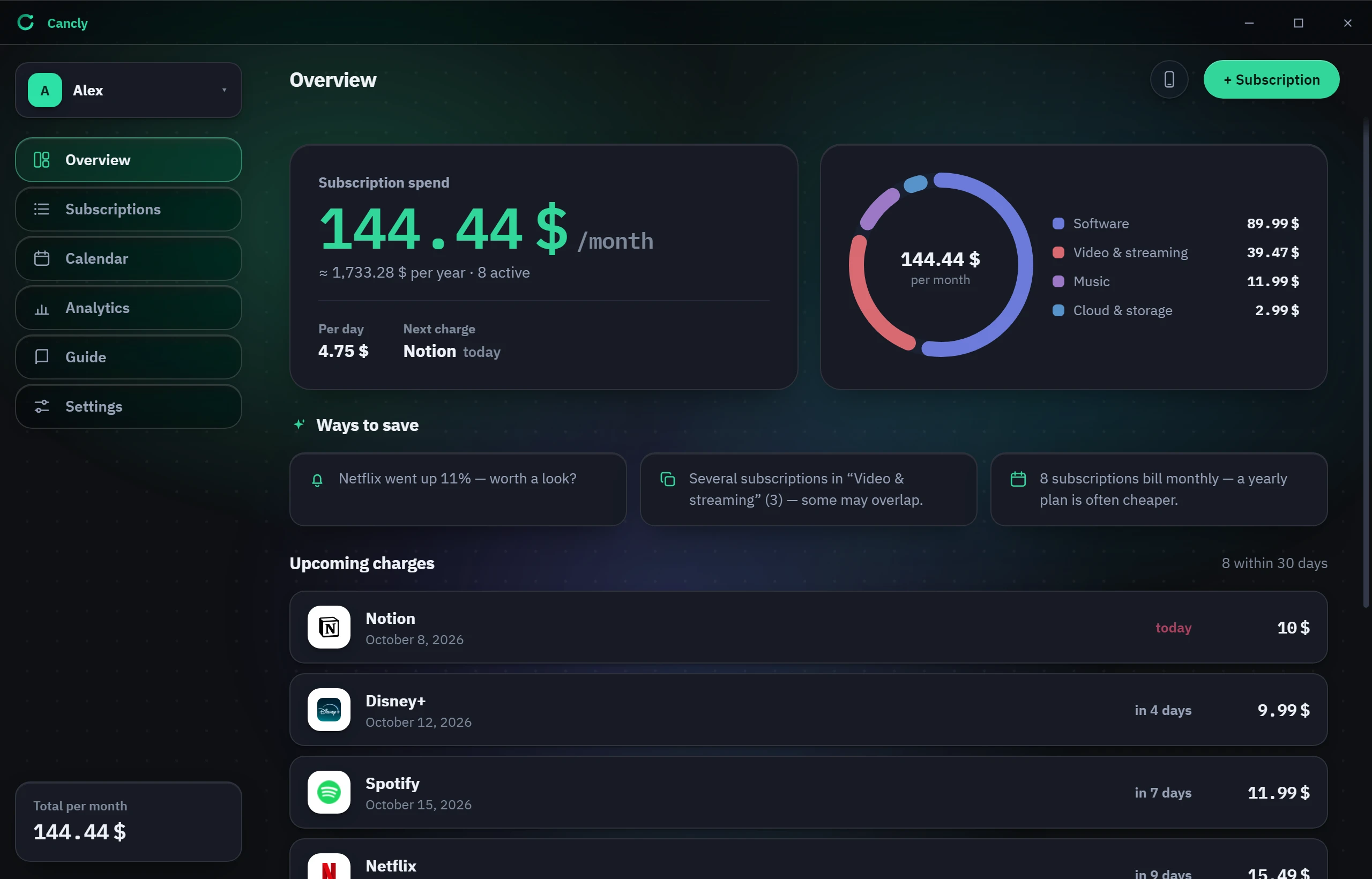
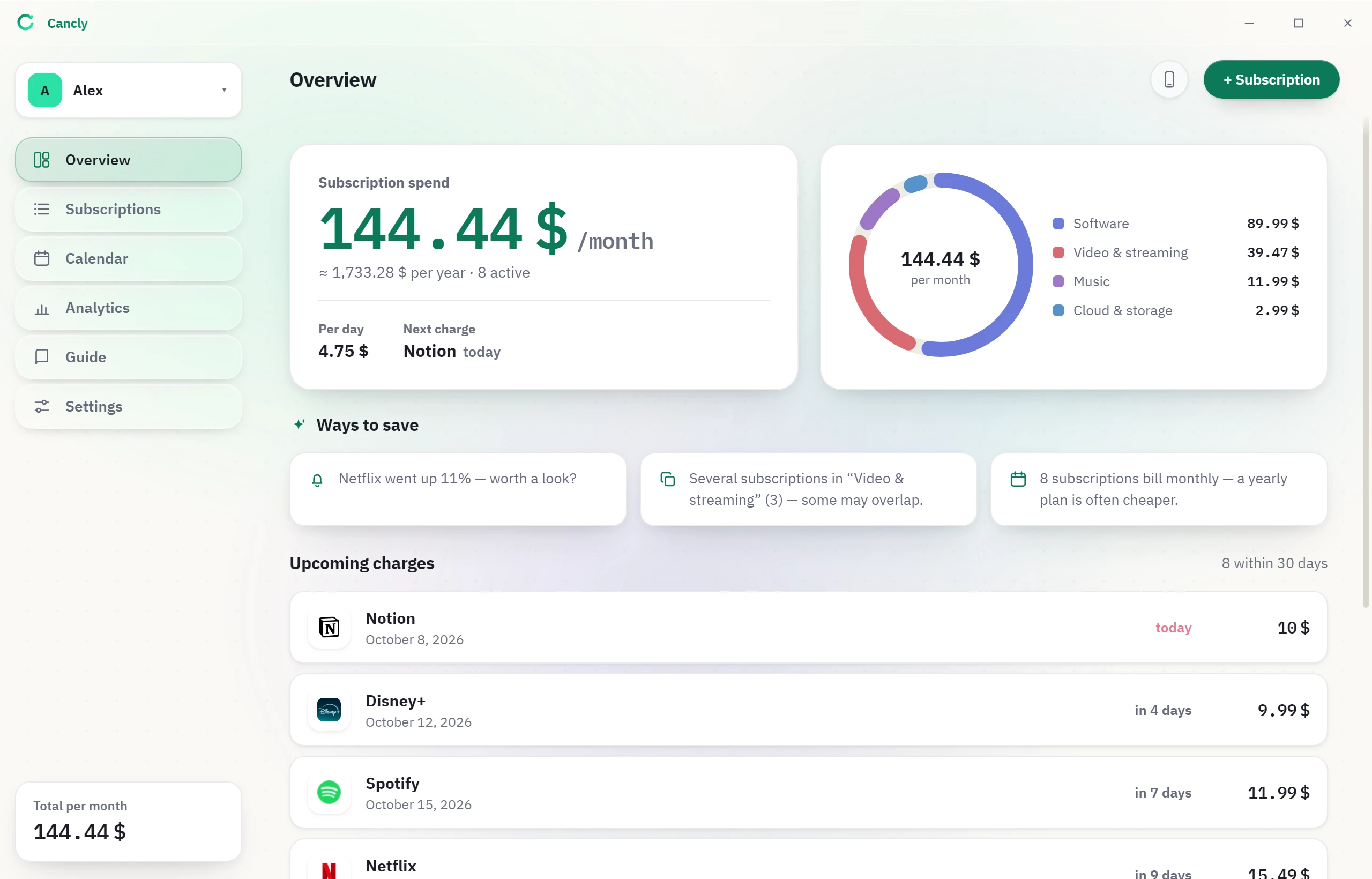
What Cancly shows you
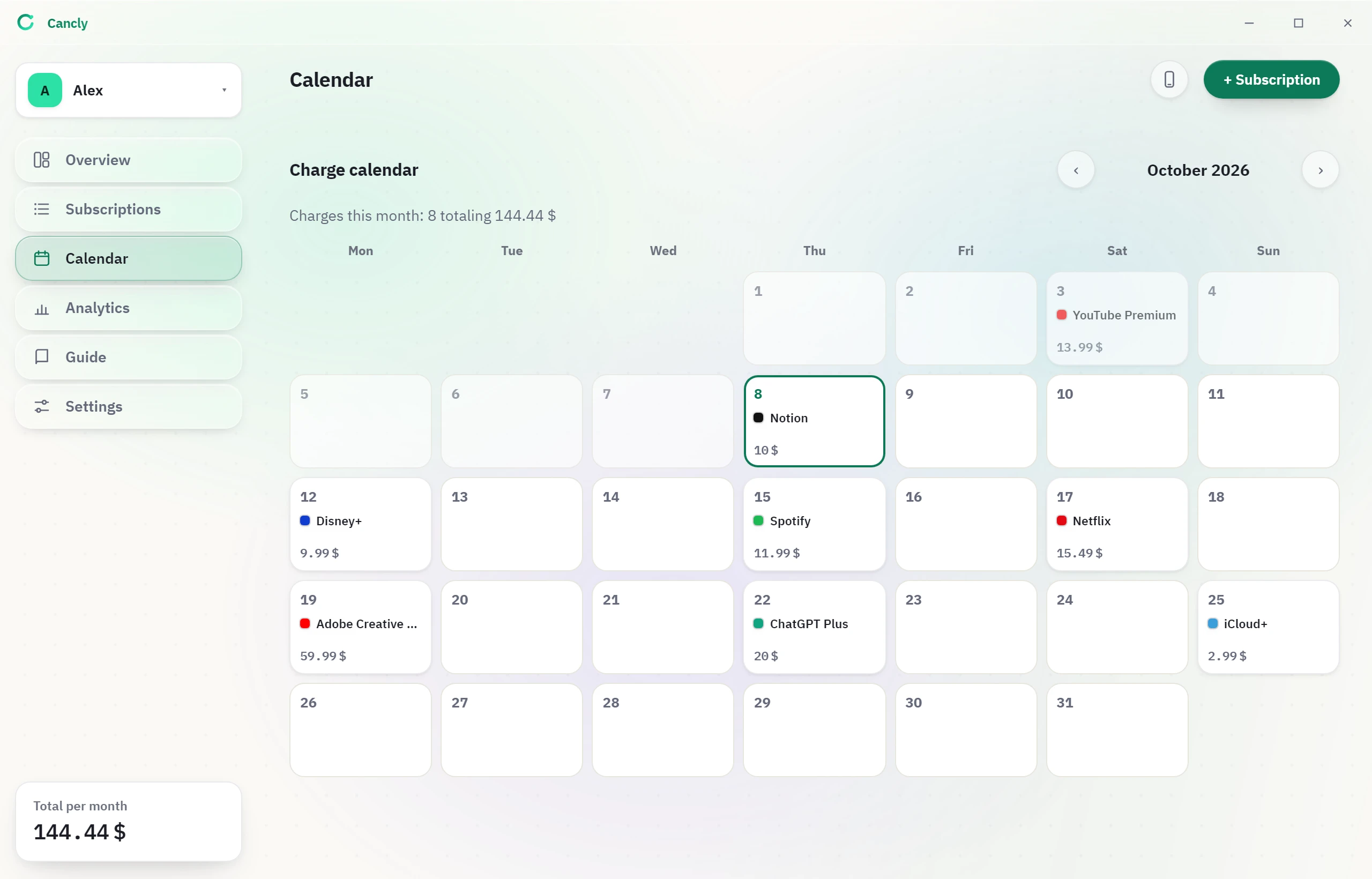
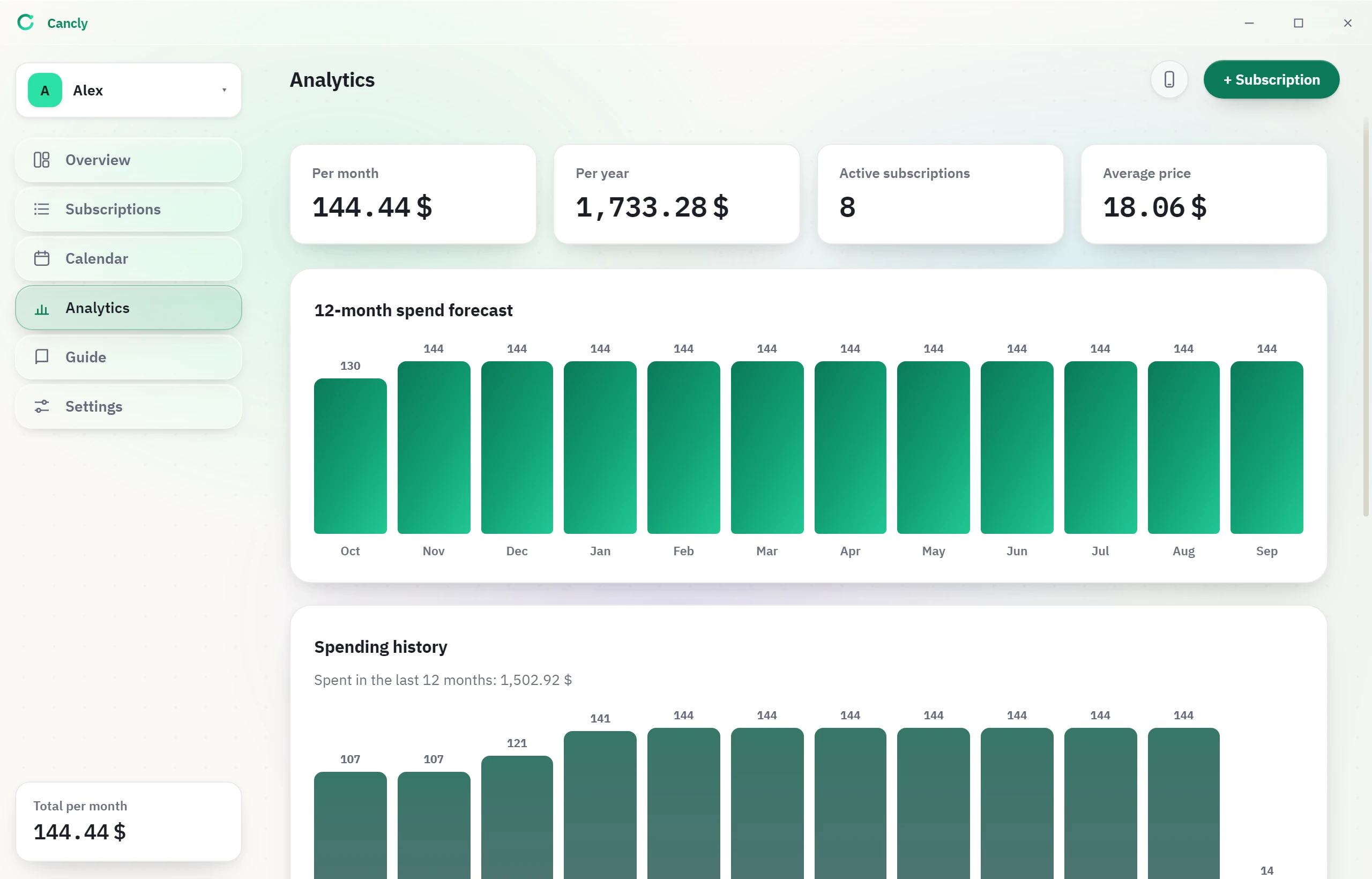
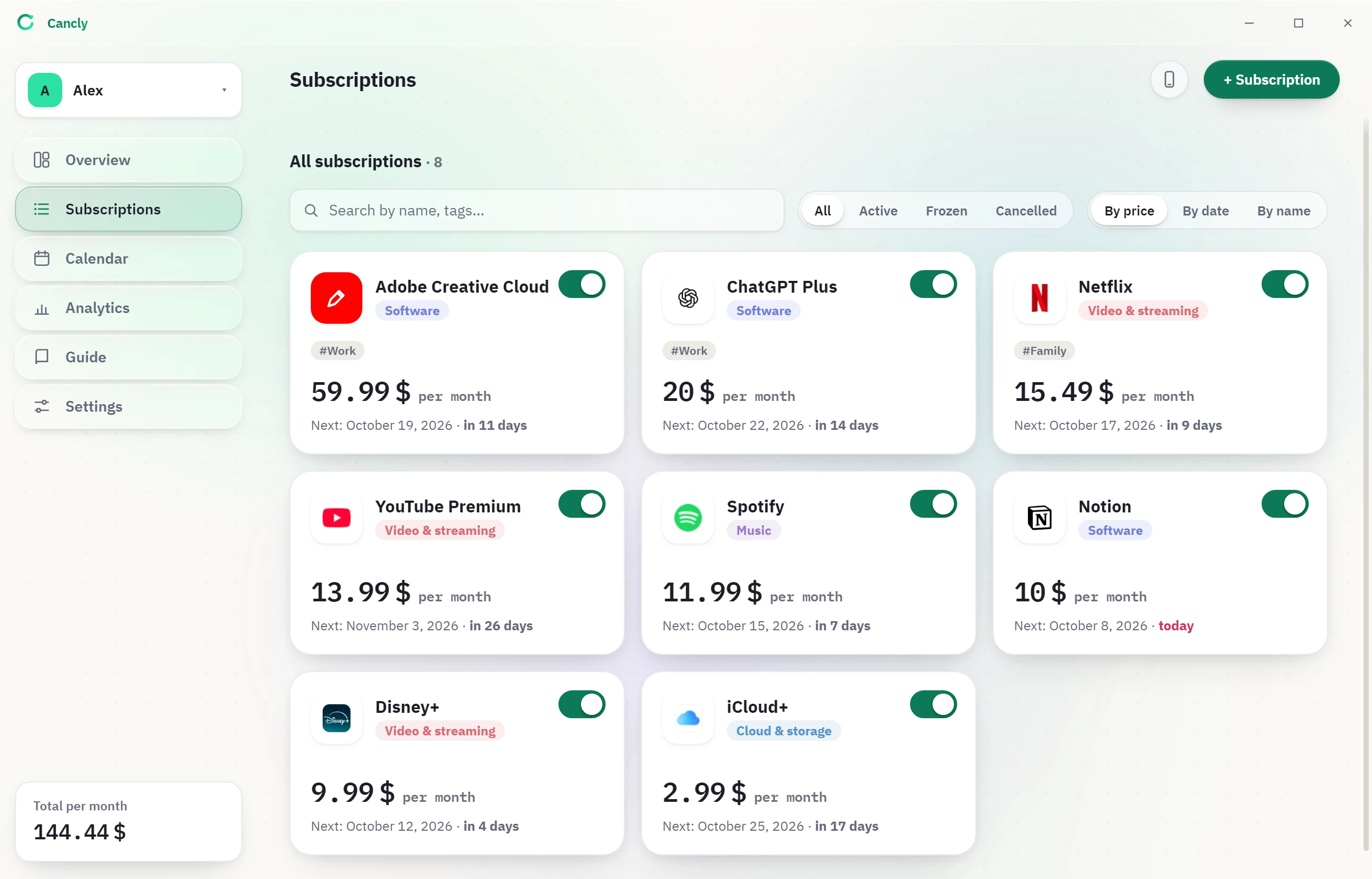
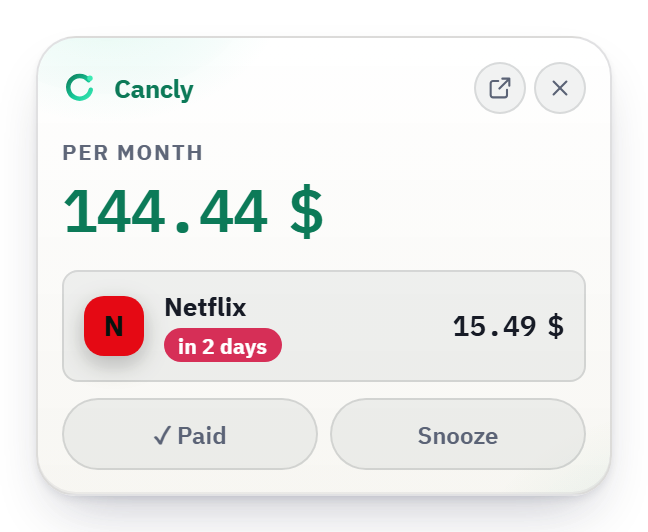
Eight ordinary subscriptions, added up.
Each one looks small. Together they cost 1,733.28 $ a year.
Sample data. Your numbers will differ.
| Service | Next charge | Per month |
|---|---|---|
| Adobe Creative Cloud | in 11 days | 59.99 |
| ChatGPT Plus | in 14 days | 20.00 |
| Netflix | in 9 days | 15.49 |
| YouTube Premium | in 26 days | 13.99 |
| Spotify | in 7 days | 11.99 |
| Notion | today | 10.00 |
| Disney+ forgotten | in 4 days | 9.99 |
| iCloud+ | in 17 days | 2.99 |
1,733.28 $ a year — the part nobody adds up.
Add one from your phone.
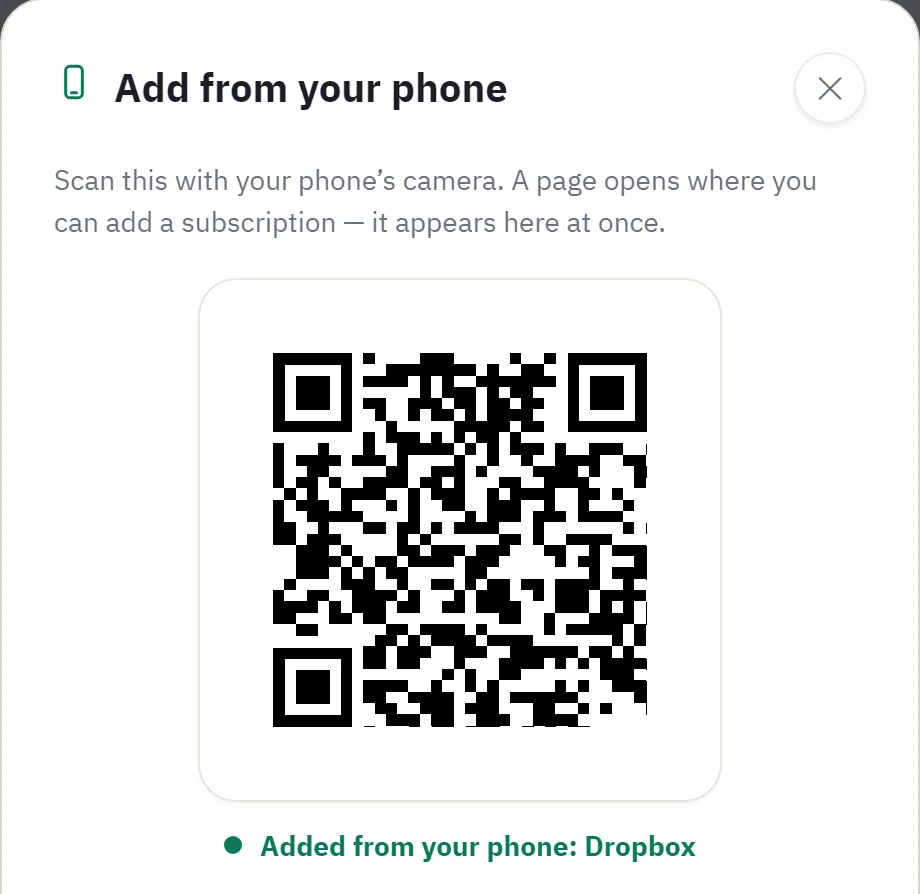
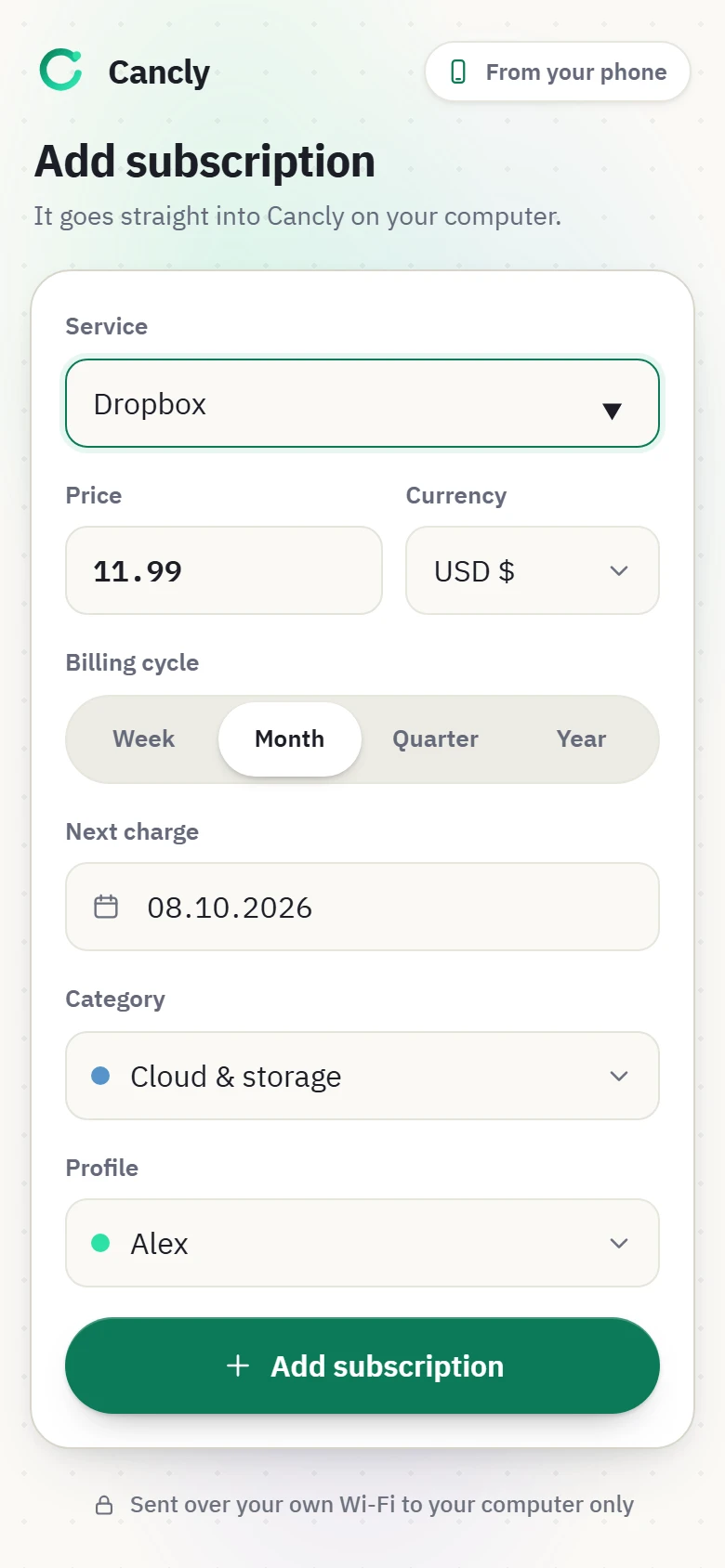
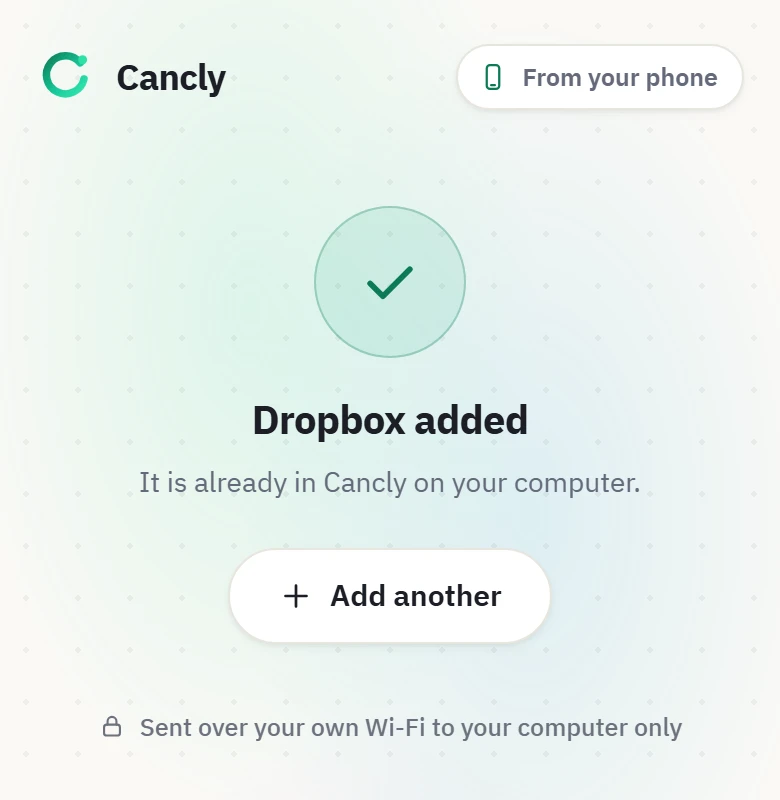
Scan a code in Cancly, type the price on your phone, and it lands on your PC.
- ScanTap the phone button in Cancly and point your camera at the code.
- TypeA page opens in your theme. Known services fill in the price.
- DoneThe subscription is in Cancly at once.
Same Wi-Fi only. The page is served from your PC and nothing goes online.
It never asks for your bank.
Stays on your PC
- Your subscriptions. Names, amounts, notes. Never uploaded.
- No account, no server. Only your own disk.
- No bank connection. You type what you pay.
Leaves your PC
- One anonymous install count. No name, no list.
- Logo lookups. Optional; the switch is in Settings.
- Currency rates. Optional; the switch is in Settings.
Free, MIT-licensed, no ads. The terms and the privacy policy are short on purpose.
Cancly 1.4.4
- Windows 10 / 11Available
- macOSIn development
- LinuxIn development
Cancly is for Windows 10 and 11. macOS and Linux versions are in development. Open this page on your Windows PC to download it.
Installer SHA-256
9b01b3e55122cc0118aabc214c53ea883a35d4bbaad5291ae56120d7c20c1fec
Signed by Sylabiz Software OU. A new app can still get a one-time Windows warning. Verify the hash first: Get-FileHash .\Cancly-Setup.exe -Algorithm SHA256
Questions
Is Cancly free?
Yes — completely. No in-app purchases, no ads, no paid tier. It is released under the MIT licence.
Is my data safe?
Your subscriptions, amounts and notes stay on your device and are never uploaded. Cancly sends only an anonymous install count and, if enabled, service-logo and currency-rate lookups — never your subscription data. No signup, and no access to your bank accounts.
Why does Windows show a warning during installation?
The installer is signed by Sylabiz Software OU, so Windows can see who published it — you can check this in the file’s Properties → Digital Signatures. SmartScreen also weighs how widely a file has been downloaded, so a new release can still show a warning until it builds reputation. Verify the SHA-256 above, then choose “More info” → “Run anyway”.
Which Windows versions are supported?
Windows 10 and Windows 11, 64-bit.
Is there a macOS or Linux version?
Not yet. Cancly currently ships for Windows only — macOS and Linux builds are in development, and the download button on this page unlocks on those platforms once they are released.
Do I need an account or internet?
No account is needed. Everything core works offline; the internet is used only for optional service-logo and currency-rate updates and a one-time anonymous install ping.
Can I add a subscription from my phone?
Yes. In Cancly tap the phone button and scan the code with your phone’s camera. A page opens where you type the subscription, and it appears in Cancly on your PC at once. The phone and the PC must be on the same Wi-Fi; the page is served from your PC and nothing goes online.